
Commercial access control
The best system category is the one that matches how often access changes, how many doors and sites must be managed, what evidence is useful and who will administer it. “More advanced” is not the same as more appropriate.
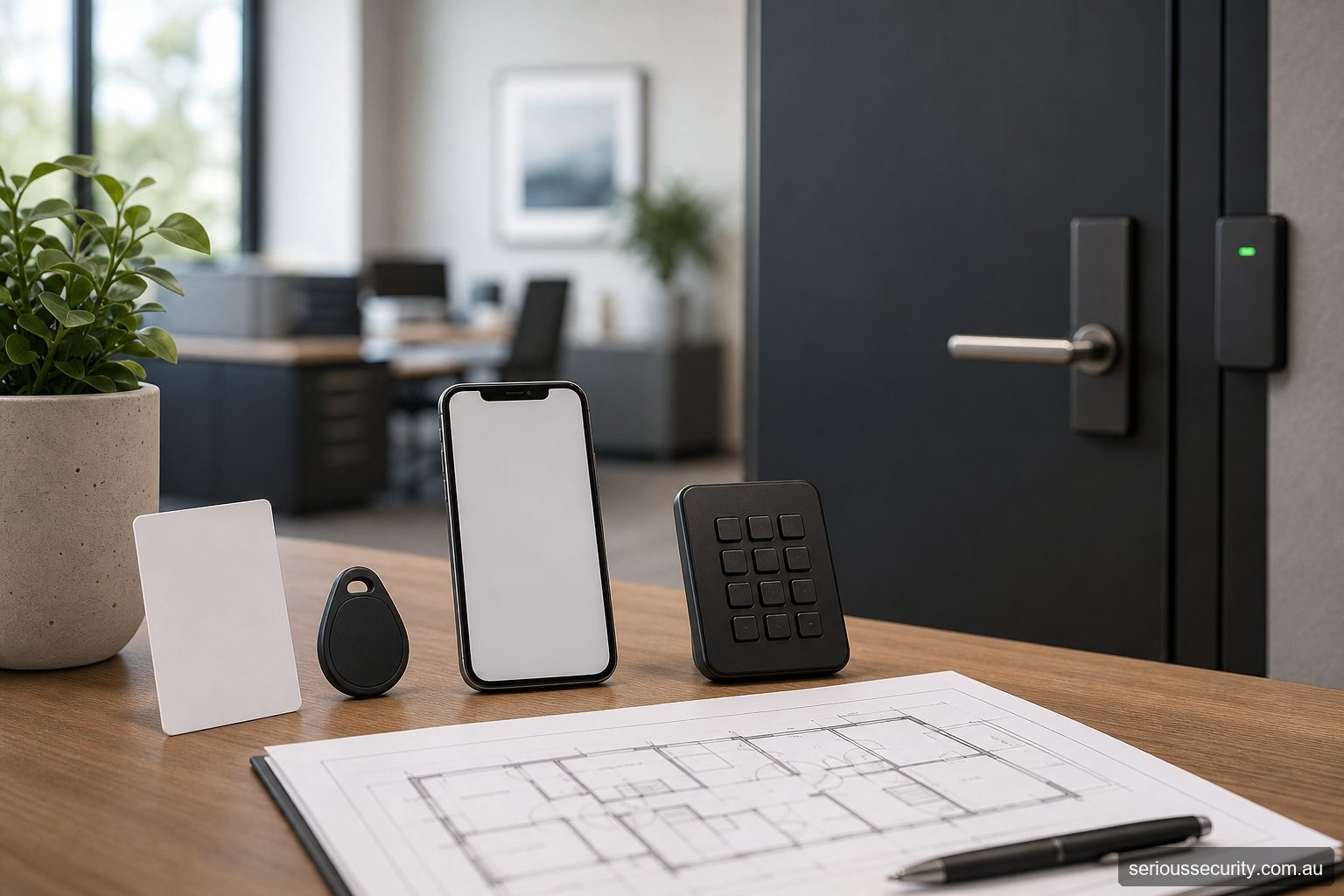
Standalone control
A standalone keypad or reader makes decisions locally and can suit one or a few doors. It reduces network dependence but usually requires administration at each device and can make individual revocation or consolidated reporting harder.
Use it where the limits are understood, not merely because the initial installation appears simpler.
Networked and multi-site systems
Networked controllers let administrators manage users, schedules and events centrally. Multi-site platforms can standardise access groups and reporting, but introduce network ownership, cybersecurity, backup and change-control responsibilities.
Confirm what continues to work if the server, internet link or site connection is unavailable.
Credential and authentication choices
PINs, cards, fobs, phones and biometrics solve different problems. Consider sharing risk, replacement, enrolment, user accessibility, privacy, device compatibility and offline behaviour. Two-factor authentication increases assurance only when both factors and the operational process are designed properly.
Do not confuse mobile credentials with remote door release: one identifies a person at a reader; the other is an operator command from elsewhere.
Specialised openings
Gates, lifts, wireless locks and emergency-lockdown functions require more than a generic door controller. Mechanical operation, communications, emergency behaviour and the responsibilities of other contractors must be explicit.
Start from the opening and workflow, then select the system family.
Shortlist by operating model
| Requirement | Likely starting point | Reason to move to a broader platform |
|---|---|---|
| One low-risk internal door and a stable group | Standalone keypad or locally administered reader | Individual accountability, frequent leavers, remote changes or event review becomes important. |
| Several doors at one business | Networked access control with named users and access groups | Alarm, lift, gate, visitor or multi-site workflows require coordinated management. |
| Reception entrance with visitor calling | Video intercom with properly designed door release | Staff access, multiple restricted doors or central audit needs should sit in a dedicated access architecture. |
| Many sites or tenants | Multi-site or appropriately governed cloud-managed platform | Complex integrations, local resilience, data residency or security operations may require enterprise design. |
| Higher-assurance restricted area | Supported multi-factor access using independently managed factors where appropriate | Biometrics, anti-passback or specialist identity workflows require privacy and operational assessment. |
This matrix identifies a starting architecture, not a specification. Door hardware, emergency egress, network ownership, credential lifecycle and administration can change the answer after a site survey.
Test the shortlist with real user journeys
Follow at least four people through the proposed system: a new employee arriving on day one, a contractor permitted for two hours, a visitor arriving when reception is busy and a former employee whose access must end immediately. Then test a lost credential, power failure, network outage and door that fails to close.
If the proposal cannot explain who approves each person, how the permission reaches the correct door, what evidence is recorded and who resolves an exception, the system type has not yet been selected at a useful level.
Choose the next resource
Compare credentials, administration, connectivity, scale and specialist openings before choosing an architecture.
Biometric Access Control
Assess where biometric access control fits, its administration model, dependencies and limitations.
Card Fob Access
Assess where card fob access fits, its administration model, dependencies and limitations.
Cloud Access Control
Assess where cloud access control fits, its administration model, dependencies and limitations.
Emergency Lockdown
Assess where emergency lockdown fits, its administration model, dependencies and limitations.
Facial Recognition
Assess where facial recognition fits, its administration model, dependencies and limitations.
Gate Access Control
Assess where gate access control fits, its administration model, dependencies and limitations.
Lift Access Control
Assess where lift access control fits, its administration model, dependencies and limitations.
Mobile Access
Assess where mobile access fits, its administration model, dependencies and limitations.
Multi Site Access Control
Assess where multi site access control fits, its administration model, dependencies and limitations.
Networked Access Control
Assess where networked access control fits, its administration model, dependencies and limitations.
Two Factor Access
Assess where two factor access fits, its administration model, dependencies and limitations.
Visitor Management
Assess where visitor management fits, its administration model, dependencies and limitations.
Wireless Locks
Assess where wireless locks fits, its administration model, dependencies and limitations.
How to use this section
- Start with the page closest to the real operating requirement.
- Record door, user, administration and failure questions that remain unanswered.
- Follow the related installation, cost and site-survey guidance.
- Have product and site-specific statements confirmed before procurement or publication.
Frequently asked questions
How should the door scope be set for Access Control System Types?
For Access Control System Types, control doors where managed entry creates a clear operational or security benefit. Survey all related entry, exit and emergency routes before deciding.
Can existing credentials be retained for Access Control System Types?
For Access Control System Types, possibly, but credential technology, encoding, ownership and security should be verified before promising reuse.
Who should administer Access Control System Types?
For Access Control System Types, nominate trained people with enough authority to approve, change and remove access. Limit privileged accounts and review them regularly.
Which integrations are useful for Access Control System Types?
For Access Control System Types, often, but the precise interface, licence, event flow and failure behaviour must be confirmed for the proposed products.
What information supports a quote for Access Control System Types?
For Access Control System Types, provide door photos or plans, user numbers, operating hours, credential preferences, integrations, site constraints and expected growth.
Prepare an access-control brief
Send Serious Security the door locations, approximate user numbers, plans or photographs, required integrations and likely growth. The team can assess the site and prepare an itemised proposal for Sydney or Melbourne.
Request an itemised access-control quote Sydney: (02) 8734 3250 Melbourne: (03) 8513 0799