
Access-control system guide
Facial recognition can compare a live face presentation with enrolled biometric data, but it carries significant privacy, accuracy, bias, consent and governance implications. It should not be presented as frictionless card replacement for every workplace.
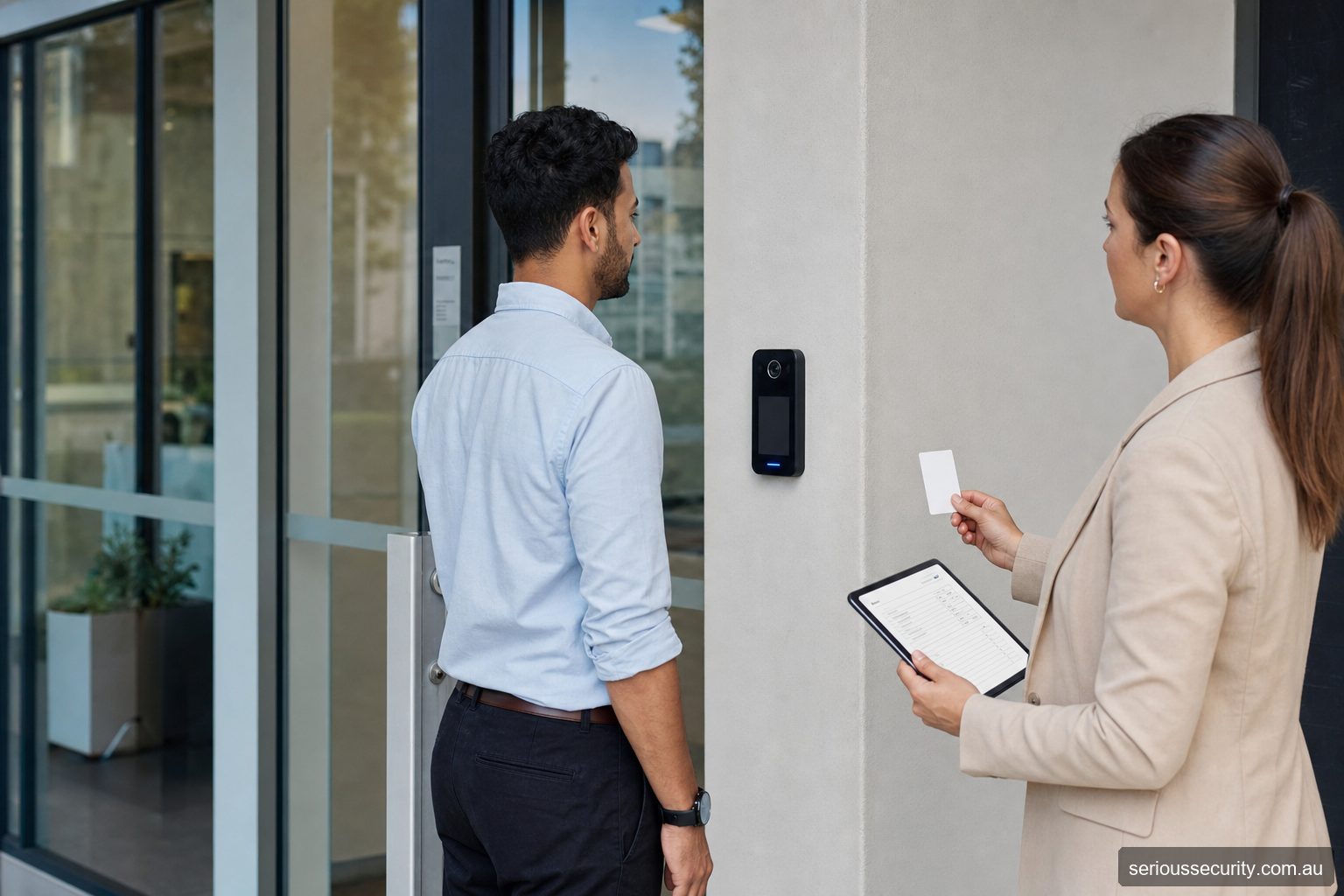
What a facial-recognition door system actually does
An authorised person is enrolled in advance. At the door, a purpose-built terminal captures a live facial image and compares it with stored biometric reference data. A successful match is only one input: the system should also check whether that person may use that door at that time. It then operates a relay or sends the decision to an access controller, which releases the electric lock and records an event.
The terminal does not make a complete door solution. The opening may also need a suitable electric strike or lock, door-position sensor, request-to-exit device, emergency-release arrangement, power supply, battery backup and network connection. A camera-equipped intercom that lets a receptionist identify a visitor is different from automated biometric matching, even when one device supports both workflows.
Compare three practical system levels
| System level | Typical arrangement | Often suits | Important limitation |
|---|---|---|---|
| Single-door terminal or door phone | One facial-capable terminal controls a local relay, with users administered at the device or its supported interface. | A reception entrance, small office or low-complexity internal door with a modest, stable user group. | The relay, event history and biometric data may be concentrated at the entrance; confirm secure installation, backup, enrolment and offboarding. |
| Managed small-site system | Several terminals are centrally administered, with named users, access groups, schedules, door monitoring and alternative credentials. | An office, clinic, gym or warehouse needing consistent changes across several entrances. | Software, licences, network ownership and failure behaviour become part of the security design. |
| Comprehensive multi-site platform | Facial terminals operate within a broader access-control platform involving controllers, many doors, alarms, lifts, visitor workflows, reporting and role-based administration. | Larger organisations with multiple buildings, security operators or formal audit and integration requirements. | Facial matching is only one subsystem. Privacy governance, cybersecurity, availability, integration testing and lifecycle support require explicit ownership. |
“Standalone” should not be read as “complete” or automatically “less secure”. A well-designed one-door system can be appropriate; a poorly governed enterprise platform can create much greater exposure. The correct level depends on the doors, user changes, risk, reporting and administration—not the size of the screen.
Where Akuvox and Hikvision examples fit
Akuvox example: a facial-capable Akuvox door phone can combine resident or staff recognition, video intercom calling and a door-release relay at one entrance. Akuvox’s current configuration guidance uses the R29 as an example of a door phone on which an administrator can create users, assign model-dependent facial recognition and set relay permissions. This can be a practical door-entry design where intercom and access are genuinely required together. Confirm the exact model, supported credentials, local or cloud administration, template storage, licence requirements and behaviour if the network or service is unavailable.
Hikvision small-site example: a MinMoe Value Series terminal can provide purpose-built face access at an entrance, with supported variants offering other authentication methods. Hikvision positions Value Series products for smaller business scenarios such as offices and retail. A terminal can be locally useful, but the scope still needs the correct lock, exit hardware, door monitoring, power and administration.
Hikvision comprehensive example: Pro or higher-capacity MinMoe terminals can form part of a centrally managed deployment using supported Hikvision access-control software and integration methods. Current manufacturer material describes central management, multiple authentication methods, event review and integration interfaces; some models support substantially larger face and event capacities than value terminals. Capacity alone does not create an enterprise solution—the design must also address controllers, network segmentation, administrator roles, enrolment, logs, backups, integrations and service continuity.
These are architecture examples, not blanket endorsements or a final bill of materials. Product names, firmware, regional availability, licences, credential support and privacy controls change. Serious Security should verify the proposed model and current Australian documentation before quoting or publishing model-specific capabilities.
Choose the architecture before choosing the terminal
- Start with the use case: decide whether the door serves employees, residents, members, contractors or visitors and how frequently that population changes.
- Decide where the access decision lives: understand whether the terminal directly switches the lock or passes credentials to a protected controller. A relay exposed on the unsecured side may need additional design controls.
- Map administration: identify who enrols a person, approves their doors and times, handles a failed match and deletes their access when they leave.
- Specify alternatives: card, PIN, mobile credential, intercom-assisted entry or staffed verification may be needed for privacy, accessibility and continuity.
- Define offline behaviour: document what continues locally during loss of internet, cloud service, management server or a site network.
- Plan the whole opening: survey the lock, frame, closer, egress hardware, fire interface, door contact, cabling, power and battery—not only the reader location.
For a single entrance, a combined intercom and access terminal may reduce device clutter. For several security-controlled doors, a dedicated access platform may give clearer permissions, event handling and lifecycle management. Mixing products can be valid when a supported interface and responsibility for each failure mode are documented.
Make privacy, testing and an alternative route part of the design
Facial information is sensitive. Before procurement, document why facial recognition is necessary and proportionate, who will be enrolled, what information is created, where it is stored, who can access it, when it is deleted and how an individual can question a result. Obtain organisation-specific privacy and workplace advice using current Australian guidance. Do not reuse door-access biometric data for unrelated surveillance, attendance or performance purposes without a separately reviewed basis.
Test the proposed terminal at the actual mounting height and entrance. Lighting, glare, eyewear, head coverings, changes in appearance and the diversity of users can affect matching. Manufacturer laboratory figures do not prove performance at a particular doorway. A pilot should record false rejections, investigate any false acceptance, test presentation-attack controls and confirm the staff response to uncertainty.
Maintain a usable non-biometric route for people who cannot or should not use facial recognition and for outages or damaged terminals. For a higher-risk opening, use supported multi-factor authentication rather than assuming a face alone proves identity. Emergency egress and safe door release must never depend on a successful face match.
Questions about facial recognition access control
Is facial recognition the same as a camera intercom?
No. An intercom supports human identification and release; facial recognition performs an automated biometric comparison against enrolled data.
Does it work in the dark?
Performance depends on the sensor, lighting and installation, but a vendor claim must be verified for the proposed entrance. Safe fallback is still required.
Can a photograph fool the system?
Presentation-attack resistance varies. Confirm current liveness and anti-spoofing documentation, then consider the complete threat rather than relying on one feature.
How long should facial data be retained?
Only as long as justified under an approved, organisation-specific policy and applicable obligations. Obtain privacy advice.
What if the system rejects an authorised person?
Use a documented human-assisted or alternative-credential process. Do not make biometric matching the only practical route for authorised access.
Is a facial-recognition door phone enough for several doors?
It may suit one or a small number of entrances, but compare it with a centrally managed access platform once permissions, schedules and leavers must be maintained across several doors. Confirm how the selected devices share users, events and status.
Should we choose Akuvox or Hikvision?
Choose the required workflow and architecture first. Akuvox may be considered where intercom-led entry is central to the use case; Hikvision offers dedicated face-terminal ranges and broader management options. The correct proposal depends on supported current models, existing systems, cybersecurity, privacy, door hardware and service arrangements.
Manufacturer references for the examples
The examples above were checked against Akuvox’s door-opening configuration guidance and Hikvision’s MinMoe facial-recognition terminal overview. These sources establish the broad product workflows, not suitability for a particular Australian site. Confirm the current regional datasheet, firmware and software compatibility for every quoted model.
Assess the site before selecting a platform
Send door photographs or plans, user numbers, credential preferences, integrations and operating requirements. Serious Security can assess commercial projects in Sydney and Melbourne.