
Access-control system guide
Mobile access control lets an enrolled phone act as a credential at a compatible reader. It is not the same as pressing an unlock button from another location, and it does not remove the need for a controller, suitable lock, safe exit hardware or a disciplined leaver process.
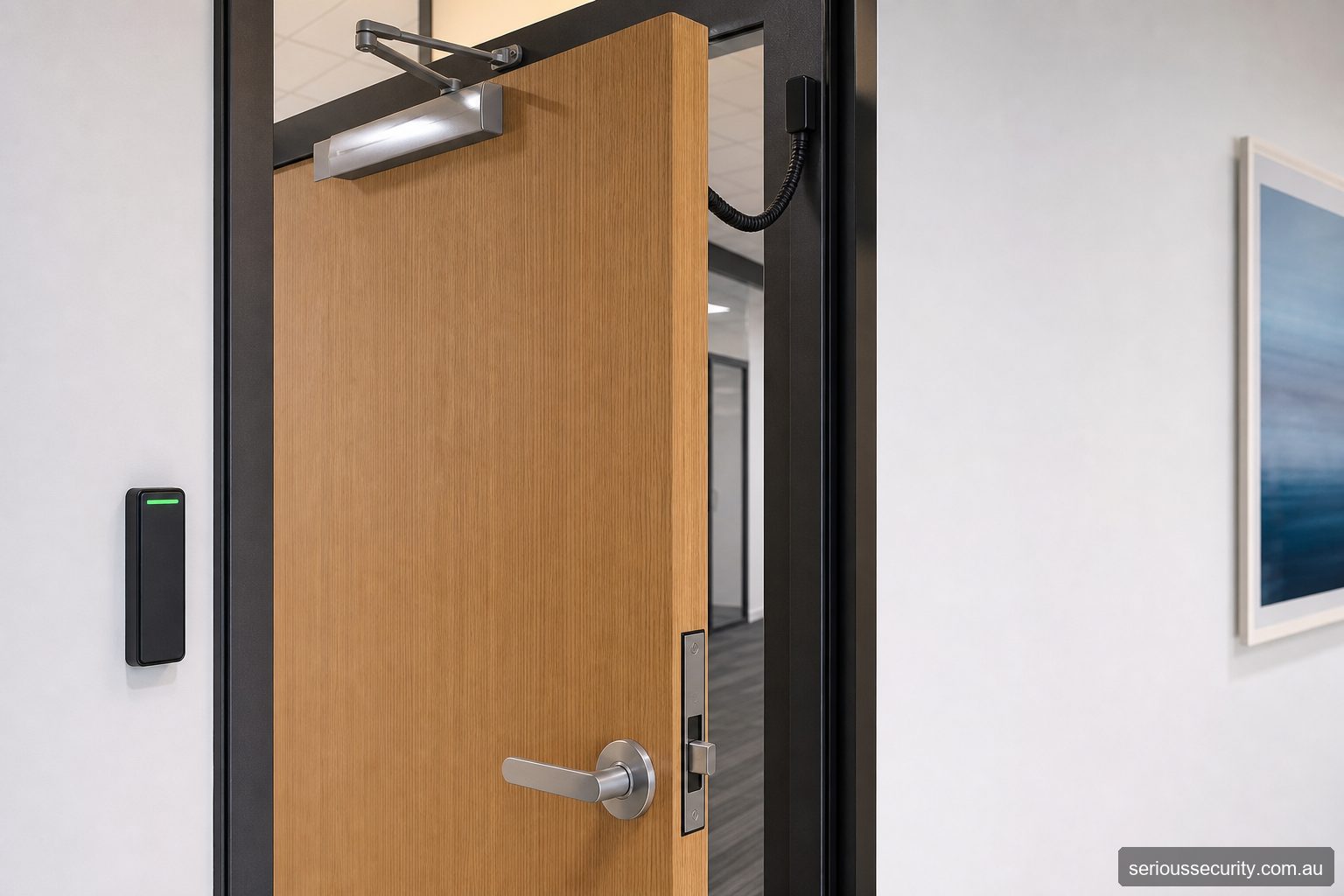
What “mobile access” can mean
A mobile credential is issued to an identified user and presented near a reader, commonly using a supported short-range phone technology. The controller then applies the same door, time and access-group rules it would apply to a card. Remote release is different: an authorised operator sends an unlock command without the visitor presenting a standing credential at the door.
Proposals should name the intended workflow. Phrases such as “phone access” can conceal important differences in identity, audit history, connectivity and who is permitted to release the opening.
Where it can be a good operational fit
Mobile credentials may suit organisations that already manage business phones, have frequent card-replacement costs or want to issue access without distributing a physical token. They can also support mixed estates where some users retain cards or fobs.
They are less convenient where people cannot carry phones, personal-device use is disputed, batteries are routinely flat, readers are used with gloves or phones remain in vehicles. Always provide a workable alternative for authorised users who cannot use the nominated mobile method.
Map the credential lifecycle
Document invitation, identity checking, activation, device replacement, lost phones, revoked employment and support. Decide whether a credential is tied to a person, handset, app account or cloud tenancy, and what evidence an administrator sees when it is used.
Removing an app icon or wiping a phone is not the organisation’s revocation process. Disable the credential through the controlled administration workflow and review linked remote permissions.
Check dependencies before procurement
Verify supported phone operating systems, reader technologies, controller and firmware versions, app availability, licences, subscription terms and offline behaviour using current manufacturer documentation. Confirm whether initial enrolment or every transaction needs internet access.
If a cloud service, push notification or Bluetooth permission is unavailable, the agreed door behaviour and fallback need to be known before rollout—not discovered by the first person locked outside.
Protect administration and privacy
Mobile access introduces accounts, invitations, identifiers and potentially service-provider records. Limit administrators, use strong authentication, review audit events, secure integration credentials and remove dormant accounts.
Tell users what information is collected and why. Retain only what the organisation needs under its approved policy and obtain organisation-specific privacy advice where appropriate.
Questions about mobile access control
Can staff use their personal phones?
Technically this may be possible, but the organisation should first address consent, support, privacy, device compatibility, reimbursement expectations and an alternative credential.
Will a mobile credential work without reception?
It depends on the architecture. Some transactions can operate locally after enrolment; others depend on internet or cloud services. Confirm the proposed system’s documented behaviour.
Is mobile access more secure than a card?
Not automatically. Security depends on enrolment, phone protection, credential technology, reader/controller design, administrator controls and prompt revocation.
What happens when a phone is replaced?
The old credential should be revoked and the new device enrolled under an authorised process. Do not assume a credential safely transfers with a phone backup.
Can cards and phones be used together?
Many designs can support mixed credentials, subject to verified compatibility. This can provide transition and accessibility options.
Assess the site before selecting a platform
Send door photographs or plans, user numbers, credential preferences, integrations and operating requirements. Serious Security can assess commercial projects in Sydney and Melbourne.