
Access-control planning
Integration is useful when one system’s event gives another system or operator meaningful context or a controlled action. It is not useful as a vague promise that alarms, CCTV, intercoms, lifts and gates will all “work together”.
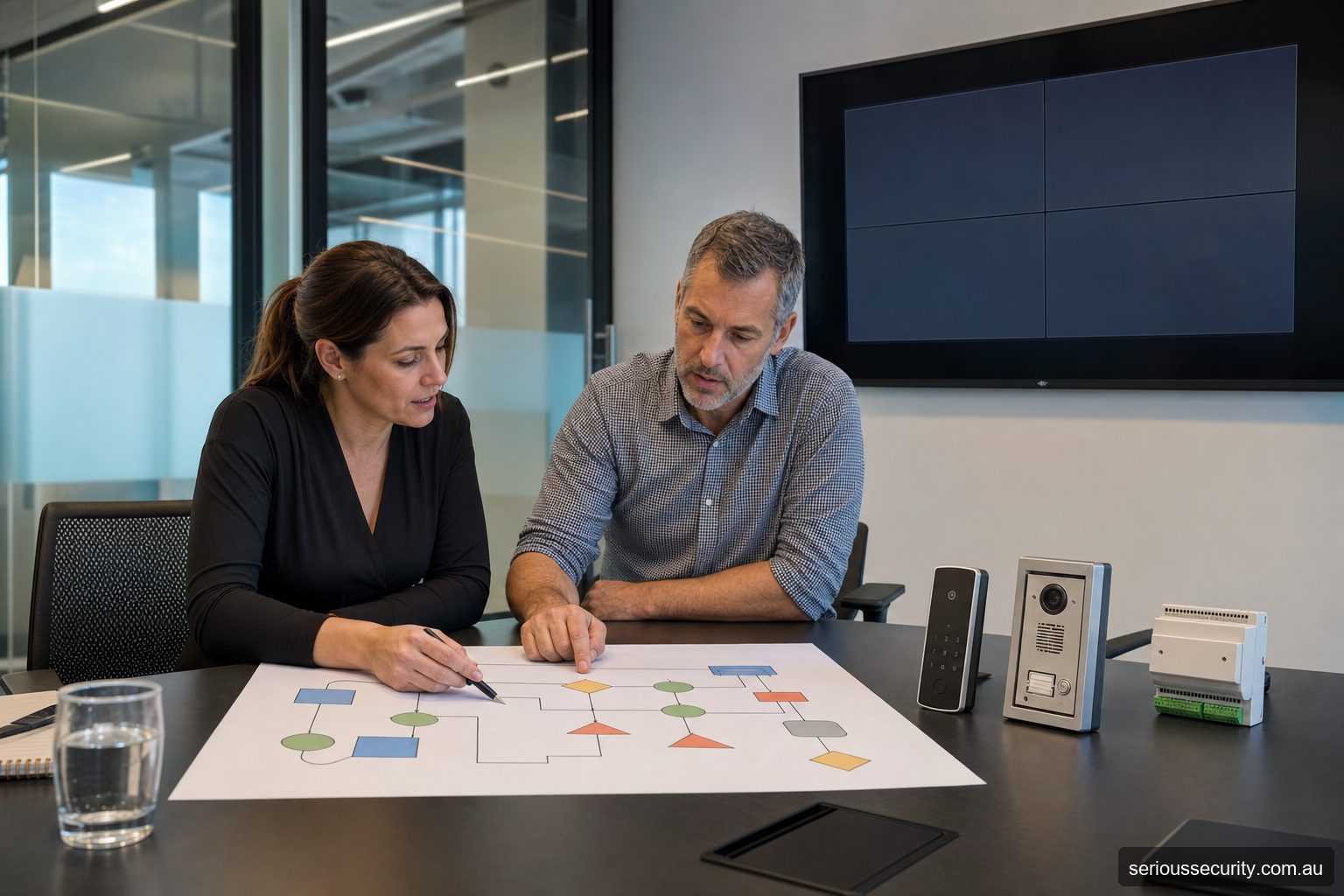
Assess the real requirement
Write each integration as cause and effect: trigger, data passed, receiving system, action, operator, failure state and test. Separate a dry-contact relay from a supported high-level software interface; they provide different identity, event and health information.
Design and coordination decisions
Prioritise workflows: authorised after-hours entry and alarm state, forced-door video retrieval, visitor intercom release, approved lift floors, gate access and building-management notifications. Avoid connecting systems merely because an interface exists.
Testing, records and ongoing ownership
Confirm product versions, licences, network ownership, cybersecurity, time synchronisation, privacy and vendor responsibility. Test from the original event to the operator outcome, including relevant outages, and preserve interface documentation.
Decision checklist
- What user or operational problem must be solved?
- Which physical openings and related systems are in scope?
- Who approves, administers, maintains and reviews the result?
- What happens during power, network, controller or service failure?
- Which current product documents and licences support the proposed function?
- What drawings, schedules, backups, tests and training form part of handover?
Choose the next resource
Choose an integration because it creates a useful event or operator workflow, then define failure behaviour and responsibilities.
Alarm Systems
Define the workflow, interface and failure behaviour for alarm systems.
Automatic Doors
Define the workflow, interface and failure behaviour for automatic doors.
Boom Gates ANPR
Define the workflow, interface and failure behaviour for boom gates anpr.
Building Management
Define the workflow, interface and failure behaviour for building management.
CCTV
Define the workflow, interface and failure behaviour for cctv.
Lifts
Define the workflow, interface and failure behaviour for lifts.
Video Intercom
Define the workflow, interface and failure behaviour for video intercom.
Define what “integrated” means in the proposal
| Integration depth | Example | Limitation to document |
|---|---|---|
| Dry contact or relay | An access event changes an alarm input or requests another device to act. | Usually carries limited context; cable supervision, timing and failure state matter. |
| Reader or controller interface | A supported protocol exchanges credential or door information between field devices. | Confirm direction, encryption, supervision, firmware and which system makes the decision. |
| Software or API integration | Systems exchange users, events, commands or linked records through supported software. | Licences, versions, rate limits, cybersecurity, data ownership and upgrade compatibility apply. |
| Unified operator workflow | An operator receives an event, associated video and approved response controls in one interface. | A shared screen does not guarantee shared resilience, evidence or support responsibility. |
For every integration, write a cause-and-effect statement: the initiating event, conditions, receiving system, expected action, operator message, evidence recorded, timeout, reset and behaviour when communications fail. This turns “integrates with CCTV” into something that can be priced and acceptance-tested.
How to use this section
- Start with the page closest to the real operating requirement.
- Record door, user, administration and failure questions that remain unanswered.
- Follow the related installation, cost and site-survey guidance.
- Have product and site-specific statements confirmed before procurement or publication.
Questions to ask
How should a business start with access control integrations?
For Access Control Integrations, document users, openings, current problems, desired workflow, other systems and constraints before selecting equipment.
Can existing equipment be used for access control integrations?
For Access Control Integrations, possibly, after condition, compatibility, support and ownership are verified. Reuse should be an assessed decision, not an assumption.
What should a proposal for access control integrations state?
For Access Control Integrations, it should identify inclusions, exclusions, models where appropriate, interfaces, client responsibilities, failure behaviour, testing and handover.
Who should review access control integrations?
For Access Control Integrations, the client and security designer, plus IT, building, fire, privacy or specialist contractors where their systems and duties are affected.
What must be confirmed before publishing Access Control Integrations?
For Access Control Integrations, current product capability, company offering, site-specific requirements and any safety, privacy or compliance statements require human review.
Request an assessed scope
Share the doors, users, plans or photographs, current system and intended workflow. Serious Security can assess commercial sites in Sydney and Melbourne.