
Commercial access control
Alarm and access control can share more than a keypad. A useful integration coordinates permissions and events so an authorised person does not unknowingly enter an armed area, while preserving clear control of who may disarm security.
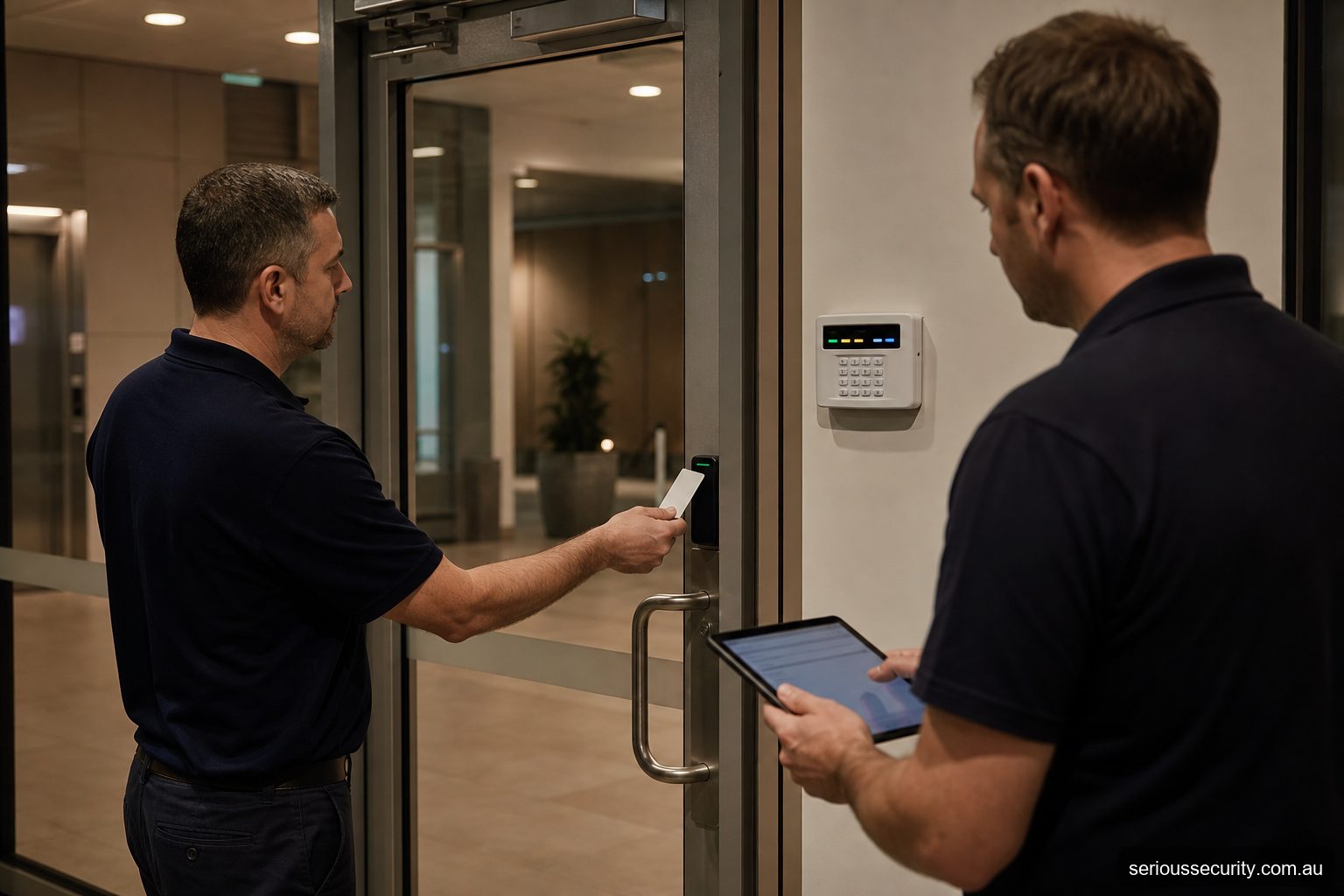
Define the intended workflow
Decide whether a valid credential should disarm an area, whether disarming should unlock anything, and whether the last person leaving may arm through an access reader. These are different actions with different risk.
Limit powerful functions to appropriate users and areas. A staff card that opens reception should not automatically gain authority to disarm the whole premises.
Distinguish common platform from simple connection
Some systems manage intrusion and access in one platform. Separate products may exchange relay states or use a supported software interface. A relay can communicate a limited condition; it does not automatically share user identity, rich events or health information.
Document the integration level in the proposal and test the exact cause-and-effect sequence.
Handle exceptions and failures
Consider after-hours entry, cleaners, contractors, duress, doors held open, communications loss and a user who may enter but not disarm. Operators need messages they can understand and an escalation process that does not encourage bypassing the alarm.
Confirm what each system does if the other is offline. Core exit and emergency functions must not depend on an optional integration.
Administer users once where appropriate
Shared user administration can reduce mismatched permissions, but only if roles and approval are controlled. Removing a former employee should address access credentials, alarm authority, mobile apps and any remote services.
Audit privileged changes and retain current configuration backups under the organisation’s security procedures.
Alarm/access cause and effect
| Area | Decision |
|---|---|
| Entry while armed | Deny, disarm for authorised user or alert operator? |
| Alarm authority | Which users may disarm which areas? |
| Last person | Can and should access activity support arming? |
| Exception | Cleaner, contractor, duress or after-hours visitor? |
| Interface | Common platform, software integration or relay? |
| Failure | What remains available if either system or link fails? |
Design the exception workflow
For Alarm Systems, normal authorised use is only one test. Document the lost credential, unavailable administrator, communications outage, power issue, user who cannot use the preferred method and opening that does not return to its secure state. Name who responds and what they may safely do.
Acceptance evidence
- Current models, firmware, software and licences
- Approved door, user and permission schedule
- Normal, denied and exception test results
- Power, network and service-failure behaviour
- Integration cause-and-effect results
- Administrator roles, backups and update ownership
- Known limitations and outstanding actions
Frequently asked questions
How should the door scope be set for Alarm Systems?
For Alarm Systems, control doors where managed entry creates a clear operational or security benefit. Survey all related entry, exit and emergency routes before deciding.
Can existing credentials be retained for Alarm Systems?
For Alarm Systems, possibly, but credential technology, encoding, ownership and security should be verified before promising reuse.
Who should administer Alarm Systems?
For Alarm Systems, nominate trained people with enough authority to approve, change and remove access. Limit privileged accounts and review them regularly.
Which integrations are useful for Alarm Systems?
For Alarm Systems, often, but the precise interface, licence, event flow and failure behaviour must be confirmed for the proposed products.
What information supports a quote for Alarm Systems?
For Alarm Systems, provide door photos or plans, user numbers, operating hours, credential preferences, integrations, site constraints and expected growth.
Prepare an access-control brief
Send Serious Security the door locations, approximate user numbers, plans or photographs, required integrations and likely growth. The team can assess the site and prepare an itemised proposal for Sydney or Melbourne.
Request an itemised access-control quote Sydney: (02) 8734 3250 Melbourne: (03) 8513 0799