Commercial access control
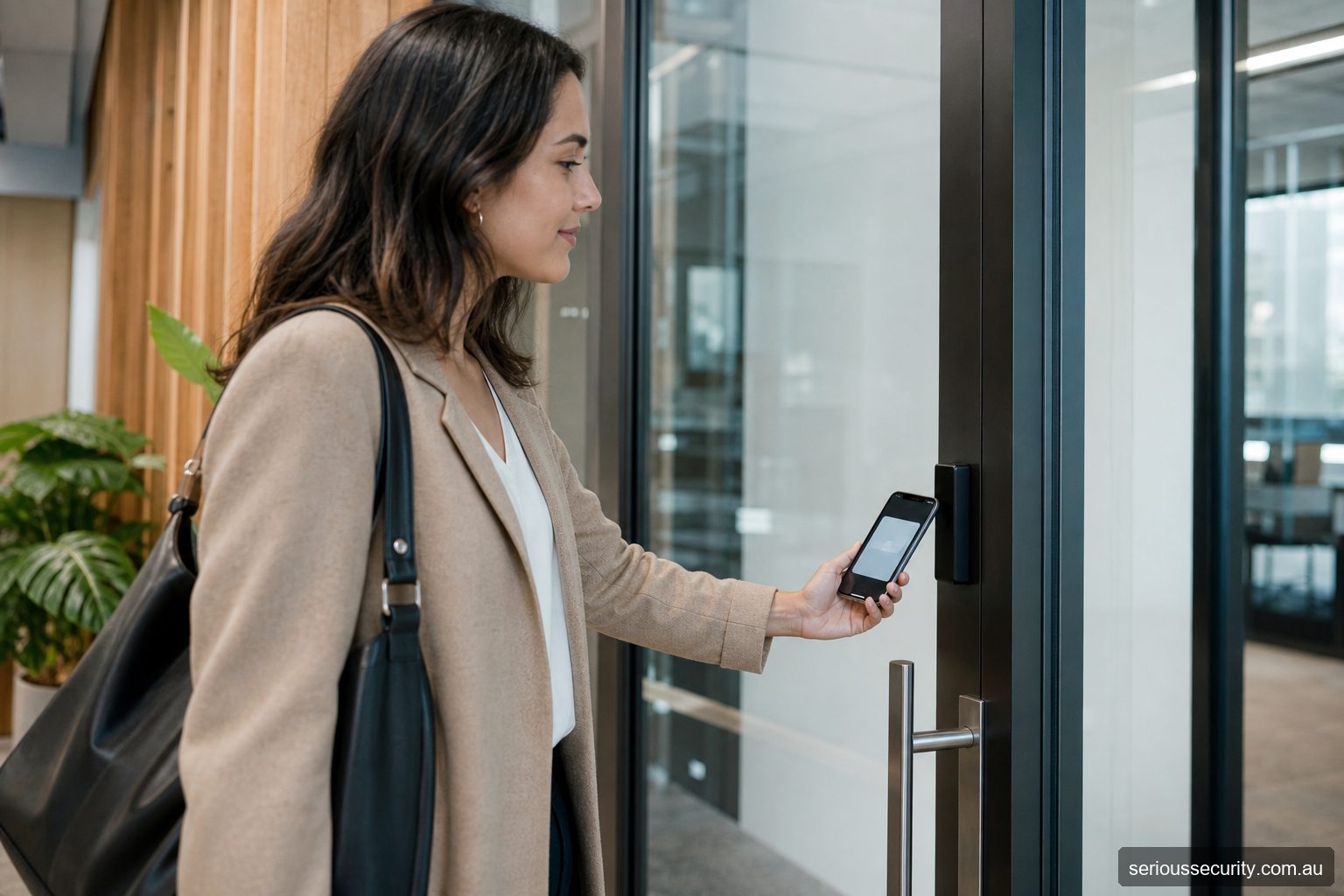
Akuvox products are often considered for IP intercom, mobile answering and door-release workflows. An Akuvox entrance should be designed as an intercom and access-control opening, not treated as a screen that happens to unlock a door.
Define who calls whom
Map visitors, deliveries, residents or staff, call destinations, unanswered calls, after-hours routing and authorised release. Decide whether staff use separate credentials, mobile functions or the intercom directory.
A convenient remote release still needs a policy for identity checking and lost or compromised phones.
Verify architecture and subscriptions
Confirm current device models, hosting or local-management options, app features, licences, subscriptions, supported credentials and integration methods from Akuvox documentation. These can vary by model, region and service arrangement.
Document dependence on internet, local network, cloud service and push notifications, including failure behaviour.
Engineer the door and network
Assess the lock, power supply, battery, exit method, contact, closer and emergency requirements. Separate lock power where appropriate and coordinate automatic doors or gates with their responsible contractors.
Use suitable network segmentation, administrator authentication, updates and remote-access controls. Do not expose management interfaces casually.
Address privacy and handover
Camera views, directories, call logs and recordings can involve personal information. Agree access, retention and signage with the organisation.
Handover should cover users, call routing, door release, network ownership, backups, subscriptions and support escalation.
Match the Akuvox architecture to the entrance
| Deployment | Possible arrangement | Best question to ask |
|---|---|---|
| One entrance | A supported door phone provides calling, approved credentials and a door-release relay, with users administered through its supported interface. | Is the relay and cabling protected, and what still works if the network or service is unavailable? |
| Small building or tenancy | Several compatible door devices, indoor stations or mobile users share a defined calling and access workflow. | Where are users, permissions, subscriptions and event records managed, and who removes a leaver? |
| Managed multi-entrance site | Akuvox intercom functions are coordinated with a dedicated access-control platform or supported cloud management where required. | Which platform makes the access decision, which interface is supported, and who owns troubleshooting across both systems? |
The simplest product list is not always the simplest operating model. A combined door phone may be excellent for a reception entrance, but a building with many staff-only doors may benefit from keeping intercom calling and access permissions in systems designed for their respective roles.
Use product examples to clarify roles—not to skip design
A facial-capable Akuvox door phone such as an appropriately supported R29 variant can illustrate a combined entrance: a visitor may call a resident or receptionist, while enrolled users may use supported credentials, including model-dependent facial recognition. Akuvox’s configuration guidance shows user creation, access-method assignment and relay permissions using the R29 as an example.
A more premium facial door phone or larger-screen terminal may improve presentation, credential choices or entry workflow, but it does not by itself create a comprehensive access-control system. Multi-door permissions, protected control equipment, alarm behaviour, event retention, visitor governance and resilient administration still need to be specified.
Akuvox SmartPlus can support mobile and cloud-managed intercom/access workflows on compatible deployments. Before proposing it, document the service region, subscription, account ownership, installer handover, privacy settings, supported devices, remote-unlock authority, data export and the exact experience during internet or service loss.
Verify current capabilities against Akuvox’s door-opening configuration guidance and the documentation for the exact quoted hardware and SmartPlus service. Model suffixes, firmware and licences matter.
Akuvox design review
| Area | Decision |
|---|---|
| Device and firmware | Which exact intercom or access model and version? |
| Call path | Who receives visitor, delivery and after-hours calls? |
| Service | Local, hosted or hybrid management and what subscription? |
| Network | Ports, segmentation, accounts, updates and remote support? |
| Door | Lock power, exit, contact, closer and emergency release? |
| Privacy | Directory, camera, calls, recordings and retention? |
Design the exception workflow
For Akuvox, normal authorised use is only one test. Document the lost credential, unavailable administrator, communications outage, power issue, user who cannot use the preferred method and opening that does not return to its secure state. Name who responds and what they may safely do.
Acceptance evidence
- Current models, firmware, software and licences
- Approved door, user and permission schedule
- Normal, denied and exception test results
- Power, network and service-failure behaviour
- Integration cause-and-effect results
- Administrator roles, backups and update ownership
- Known limitations and outstanding actions
Frequently asked questions
How should the door scope be set for Akuvox?
For Akuvox, control doors where managed entry creates a clear operational or security benefit. Survey all related entry, exit and emergency routes before deciding.
Can existing credentials be retained for Akuvox?
For Akuvox, possibly, but credential technology, encoding, ownership and security should be verified before promising reuse.
Who should administer Akuvox?
For Akuvox, nominate trained people with enough authority to approve, change and remove access. Limit privileged accounts and review them regularly.
Which integrations are useful for Akuvox?
For Akuvox, often, but the precise interface, licence, event flow and failure behaviour must be confirmed for the proposed products.
What information supports a quote for Akuvox?
For Akuvox, provide door photos or plans, user numbers, operating hours, credential preferences, integrations, site constraints and expected growth.
Prepare an access-control brief
Send Serious Security the door locations, approximate user numbers, plans or photographs, required integrations and likely growth. The team can assess the site and prepare an itemised proposal for Sydney or Melbourne.
Request an itemised access-control quote Sydney: (02) 8734 3250 Melbourne: (03) 8513 0799