
Commercial access control
Office access control has to welcome visitors while keeping staff areas, meeting rooms, records, plant and IT spaces appropriately separated. The system should reduce dependence on mechanical keys without making everyday movement cumbersome.
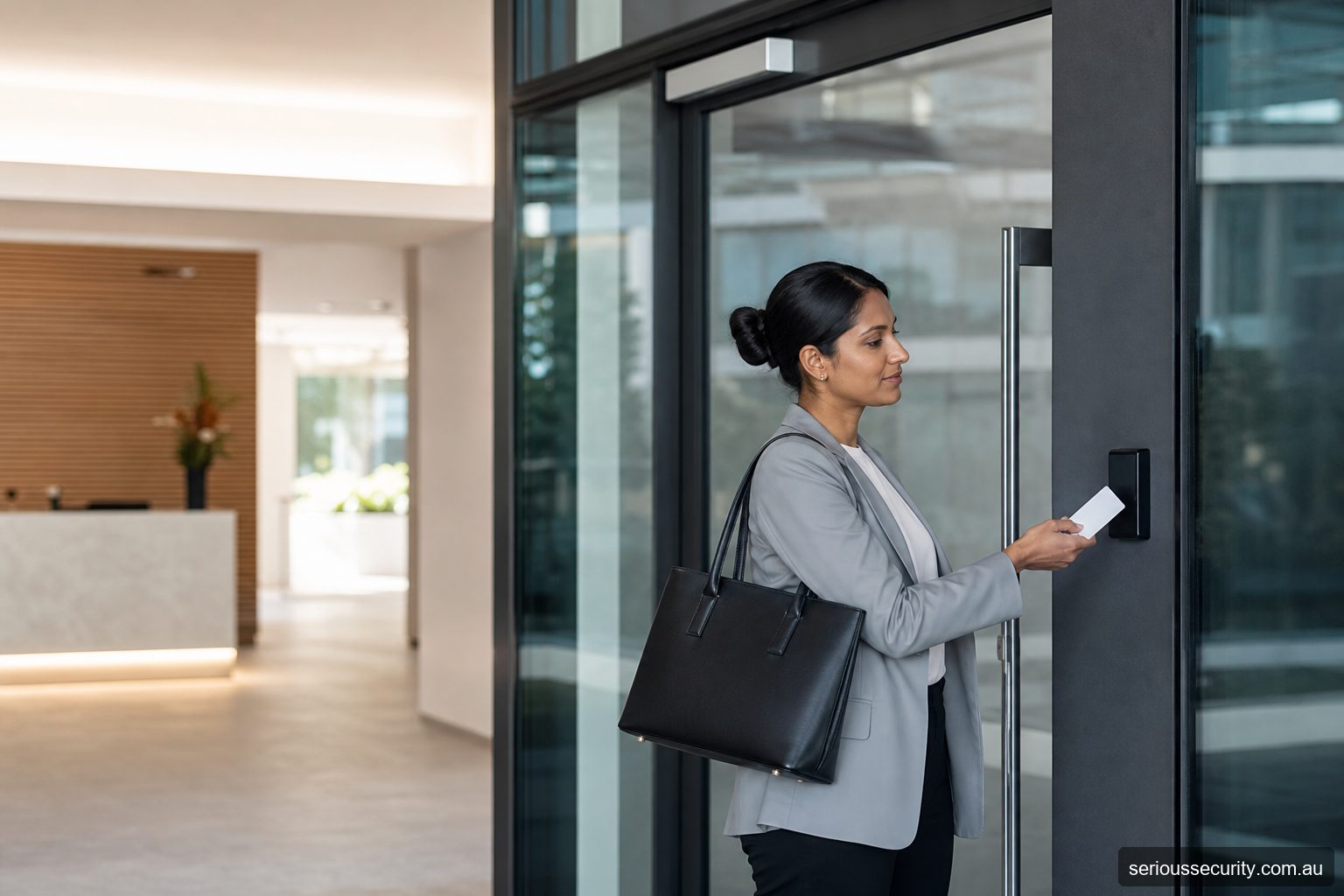
Design the arrival experience
Decide what happens before reception opens, during staffed hours and after hours. Staff may use credentials; visitors may use an intercom, reception process or temporary credential. Deliveries and cleaners need their own routes and time windows.
A permanently unlocked reception door may undermine every controlled internal door, while an overly restrictive entrance can create queues and tailgating.
Use role-based access
Build groups around actual roles and locations, such as general staff, executives, IT, facilities and cleaners. Avoid granting whole-floor access merely because it is easier to program.
Tie access changes to the HR starter, mover and leaver process, with urgent removal available for exceptional departures.
Coordinate tenancy and base building
Confirm who controls common entries, lifts, car parks, destination control, fire stairs and after-hours air-conditioning. Tenant systems may need agreed interfaces or separate credentials.
Alterations to common-property and fire-rated doors require the relevant approvals.
Use events proportionately
Door events can help investigate forced entries, repeated denials and after-hours use. They do not prove continuous attendance. Define who may review logs, for what purpose and how records are retained.
CCTV association can add context, subject to privacy governance and a useful camera view.
Office access matrix
| Area | Decision to document |
|---|---|
| Employees | Role, floor, hours and after-hours alarm authority |
| Visitors | Reception, host, intercom, temporary pass and expiry |
| Cleaners | Service areas, schedule and alarm process |
| IT and facilities | Restricted rooms, emergency access and audit |
| Deliveries | Front desk, loading route and unattended arrival |
| Leavers | Immediate credential, app, alarm and directory removal |
Proof to retain at handover
- Approved user, door and schedule matrix
- Models, versions, licences and interfaces
- Normal, denied and exceptional test results
- Power, network and emergency behaviour
- Named administrators and service owners
- As-installed schedule, backup and known limitations
Frequently asked questions
How should the door scope be set for Offices?
For Offices, control doors where managed entry creates a clear operational or security benefit. Survey all related entry, exit and emergency routes before deciding.
Can existing credentials be retained for Offices?
For Offices, possibly, but credential technology, encoding, ownership and security should be verified before promising reuse.
Who should administer Offices?
For Offices, nominate trained people with enough authority to approve, change and remove access. Limit privileged accounts and review them regularly.
Which integrations are useful for Offices?
For Offices, often, but the precise interface, licence, event flow and failure behaviour must be confirmed for the proposed products.
What information supports a quote for Offices?
For Offices, provide door photos or plans, user numbers, operating hours, credential preferences, integrations, site constraints and expected growth.
Prepare an access-control brief
Send Serious Security the door locations, approximate user numbers, plans or photographs, required integrations and likely growth. The team can assess the site and prepare an itemised proposal for Sydney or Melbourne.
Request an itemised access-control quote Sydney: (02) 8734 3250 Melbourne: (03) 8513 0799